Havells eStore1.2
Publisher Description
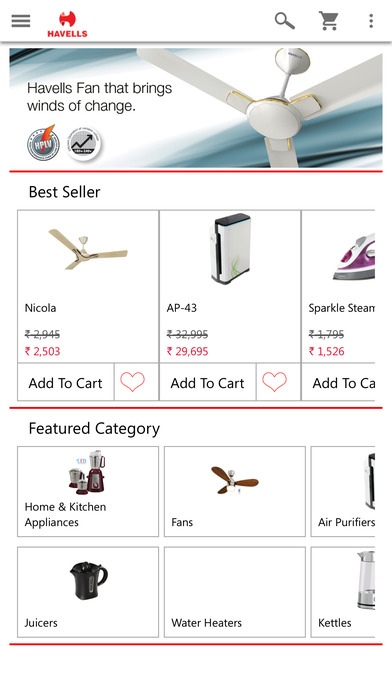
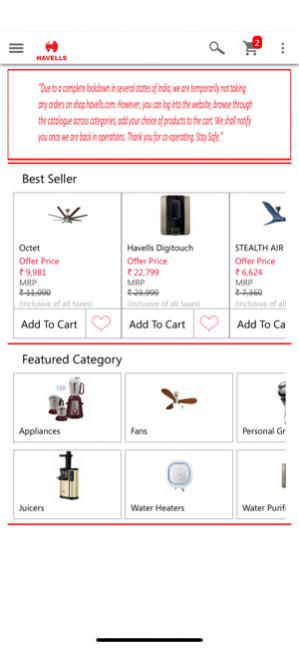
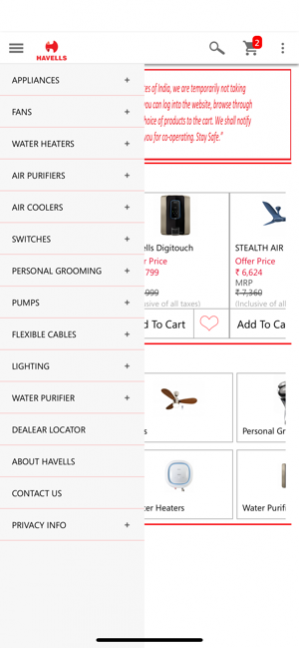
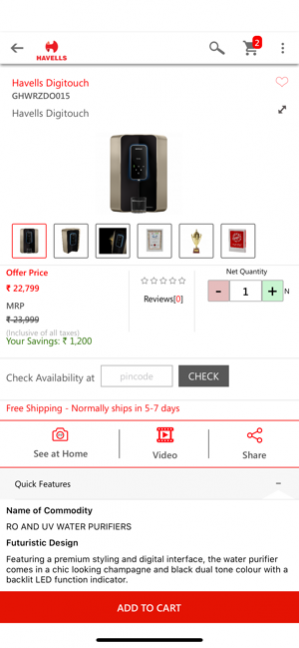
Havells India introduces a mobile application for buying Havells products – 'Havells eStore'. Browse through a wide range of products to meet all your electrical needs, check and compare features to suit your requirements, and place a purchase order to get the products delivered to your doorstep. Havells is among the largest Indian electrical products manufacturers with products ranging from home & kitchen appliances, air purifiers, water heaters, fans, domestic & industrial switchgear, LED lighting, consumer & professional lighting, wires & cables, water pumps, and induction motors among others. Enjoy the benefits of buying original Havells products at your convenience. Havells provides free doorstep service 'Havells Connect' on the entire range of products.
Contact us on ecom.support@havells.com for any online purchase query.
Apr 9, 2020 Version 1.2
PayU integration
Minor bug fixes
About Havells eStore
The company that develops Havells eStore is Havells India Limited. The latest version released by its developer is 1.2.
To install Havells eStore on your iOS device, just click the green Continue To App button above to start the installation process. The app is listed on our website since 2020-04-09 and was downloaded 34 times. We have already checked if the download link is safe, however for your own protection we recommend that you scan the downloaded app with your antivirus. Your antivirus may detect the Havells eStore as malware if the download link is broken.
How to install Havells eStore on your iOS device:
- Click on the Continue To App button on our website. This will redirect you to the App Store.
- Once the Havells eStore is shown in the iTunes listing of your iOS device, you can start its download and installation. Tap on the GET button to the right of the app to start downloading it.
- If you are not logged-in the iOS appstore app, you'll be prompted for your your Apple ID and/or password.
- After Havells eStore is downloaded, you'll see an INSTALL button to the right. Tap on it to start the actual installation of the iOS app.
- Once installation is finished you can tap on the OPEN button to start it. Its icon will also be added to your device home screen.
Program Details
System requirements
Download information
Pricing
Version History
version 1.2
posted on 2020-04-09
Apr 9, 2020 Version 1.2
PayU integration
Minor bug fixes
version 1.1
posted on 2017-03-23
Mar 23, 2017 Version 1.1
- Minor changes
version 1.1
posted on 2017-03-23
23 Mar 2017 Version 1.1
- Minor changes
version 1.0
posted on 2016-09-07
version 1.2
posted on 1970-01-01
2020年4月9日 Version 1.2
PayU integration
Minor bug fixes
